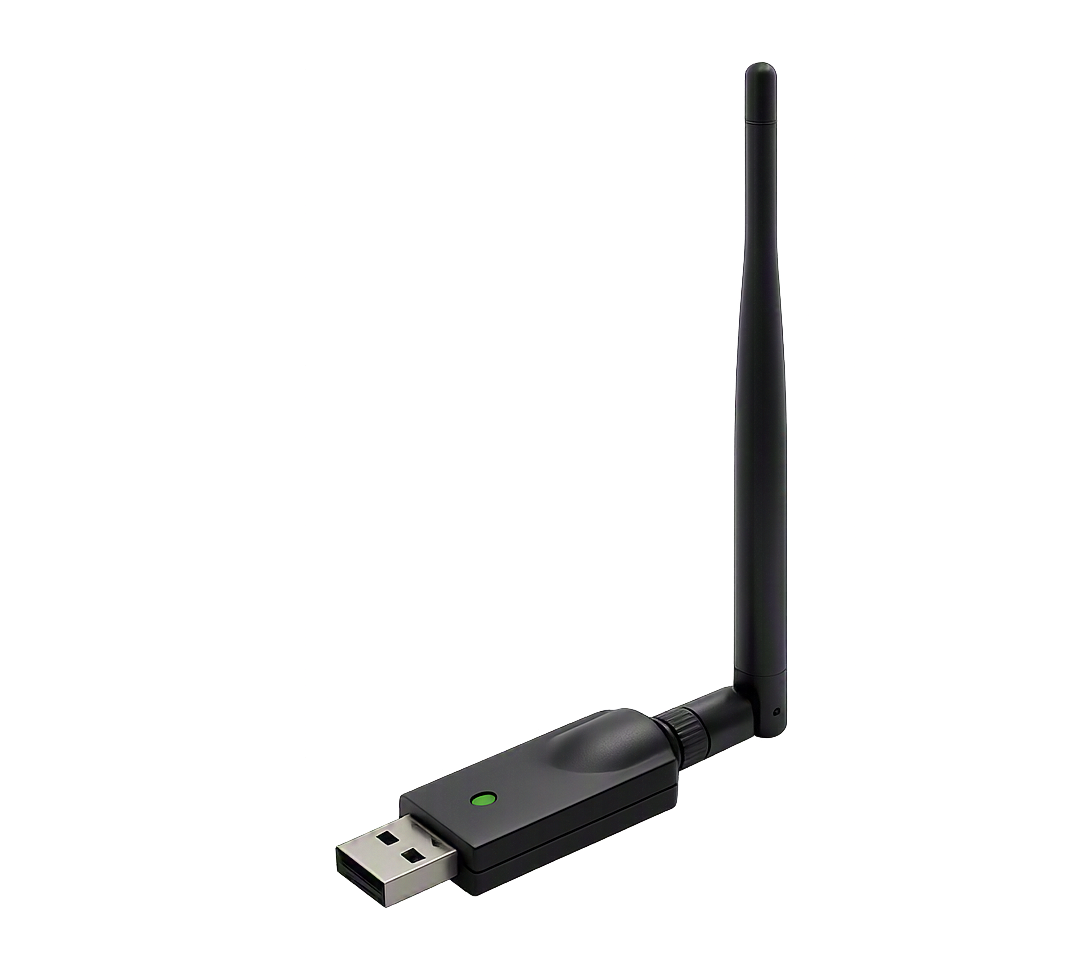
A crucial part of Wi-Fi penetration testing is having an adapter that supports Monitor Mode and Packet Injection. This curated list helps you choose the best hardware for tools like Wifi Cracker 2.0 and aircrack-ng.
Below is a list of common chipsets and devices known to support monitor mode, particularly with platforms like NetHunter. Compatibility can vary by driver and kernel version.
ATH9K_HTC (AR9271, AR7010)
ATH10K
RT73
RT2800USB
RT3070
RTL8188EUS
RTL8188CU
RTL8188RU
RTL8192CU
RTL8192EU
RTL8723AU
RTL8811AU
RTL8812AU
RTL8814AU
RTL8821AU
RTW88-USB
MT7601U
MT7610U
MT7612U
TP-Link TL-WN722N v1
TP-Link TL-WN822N v1-v4
Alfa Networks AWUS036ACH
Alfa Networks AWUS036NEH
Alfa Networks AWUS036NHA
Alfa Networks AWUS036NH
Panda PAU05 Nano
Run the following commands in your Linux terminal to check if your adapter supports monitor mode before running Wifi Cracker 2.0.
1. List your wireless interfaces
iwconfig
2. Enable monitor mode
sudo airmon-ng start wlan0
3. Verify it is in monitor mode
iwconfig wlan0mon
If the Mode shows Monitor your adapter is compatible. Replace wlan0 with your actual interface name.
Once you have a compatible adapter, download Wifi Cracker 2.0 and start testing your own network security.
Download Wifi Cracker 2.0